
Case study · Umbraco to WordPress migration
A Real Example: Moving an Umbraco Website to WordPress
A real Umbraco to WordPress migration: how we moved an established Umbraco .NET website to WordPress, kept what was already working, protected its search visibility and gave the client back control of their own website.
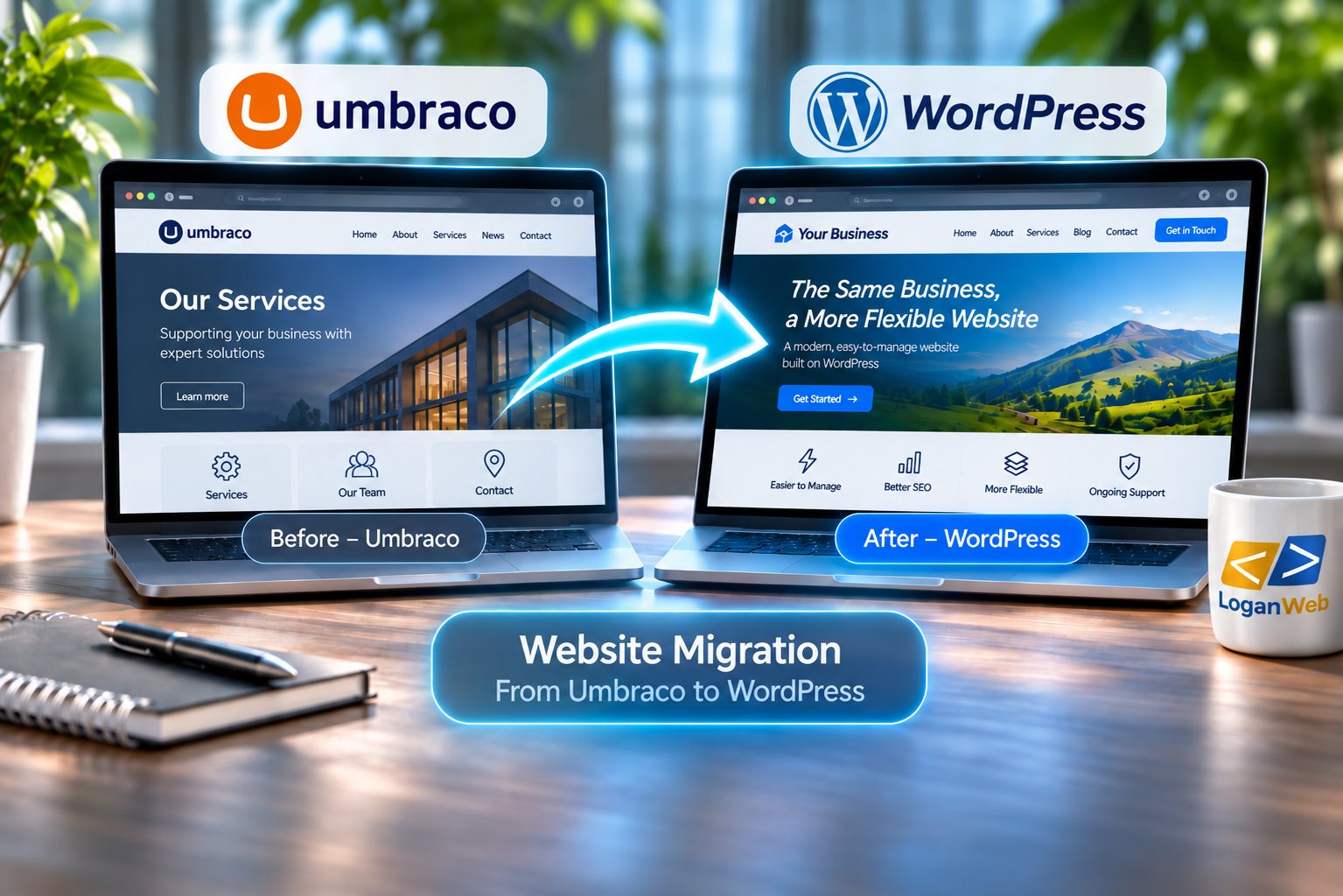
At a glance
Our Umbraco to WordPress migration in brief
The problem
An established Umbraco .NET website that was doing its job, but local developers and hosting providers who could support it were hard to find, and even small changes meant waiting for specialist help.
Our approach
A full review first, keeping the content and structure that worked, rebuilding in WordPress with Advanced Custom Fields and custom post types, and mapping old URLs to their new pages with 301 redirects.
The outcome
The client now makes content changes themselves in minutes, has a far wider choice of developers and hosting, and has a website that is much easier to optimise for search.
The challenge
Why the client needed an Umbraco to WordPress migration
One of the common reasons businesses come to LoganWeb is not because their existing website is necessarily bad. Often, the platform worked perfectly well when the site was first built, but over time the business has outgrown it.
That was the case with one of our recent Umbraco migrations.
The client had an established website built within the Umbraco .NET environment. The website itself was doing its job, but the client was becoming increasingly frustrated by how difficult it was to find local developers and hosting providers who could support it.
Umbraco is a capable platform, but for this particular business it had become more complex than they needed. Their requirements were relatively straightforward: they wanted to manage normal website content, publish pages and blog posts, improve their SEO and have access to support when they needed it.
The biggest issue was choice.
They felt limited in where they could go for help, and even relatively small changes could mean waiting for specialist development support.
The approach
Understanding What Was Worth Keeping
We did not approach the project as a simple copy-and-paste exercise.
Before rebuilding anything, we carried out a full review of the existing website, looking at the pages that were already there, the structure of the site and what the client actually wanted the website to achieve going forward.
Where possible, we retained the content and structure that were already working.
At the same time, the migration gave us an opportunity to improve areas of the website that had become difficult to manage or optimise.
Using WordPress together with tools such as Advanced Custom Fields and custom post types meant we could recreate the content the client needed in a much more manageable format, without adding unnecessary complexity.
What we reviewed first
- the pages already on the site
- the structure of the site
- what the client wanted the website to achieve
How we rebuilt it
- WordPress
- Advanced Custom Fields
- custom post types
SEO protection
Protecting the Existing SEO
One of the most important parts of any website migration is making sure that existing search visibility is not simply thrown away during the rebuild.
Because the original website was built within a .NET environment, it was not practical or desirable to retain every existing URL exactly as it was.
Instead, we mapped the existing pages to their new WordPress equivalents and put the appropriate 301 redirects in place.
That meant visitors and search engines arriving at an old URL were taken to the correct new page rather than hitting a broken link.
It also helped preserve the authority those existing pages had built up over time.
Throughout the Umbraco to WordPress migration we worked to Google’s guidance on site moves with URL changes.
For us, changing platform does not mean starting again from zero.
Planning a similar move?
Whether it is an Umbraco to WordPress migration or a move from Wix, Squarespace or another platform, see how our Website Migration to WordPress service works, from the first audit to redirects, testing and launch.
The outcome
What Changed for the Client?
The biggest improvement was flexibility.
Updates in minutes
The client can now make normal content changes and publish updates themselves in minutes rather than having to wait for a specialist developer.
A wider choice of support
When development support is needed, WordPress also gives them access to a much wider pool of developers and hosting providers.
Easier to optimise
From an SEO point of view, the new website is considerably easier to work with. We can now manage on-page optimisation, structured data, analytics and future SEO improvements without being restricted by the old setup.
Most importantly, the website now fits the way the business operates today rather than the way it operated when the original website was first built.
The client still has the website and content they were familiar with, but they now have far greater control over where it can go next.
The lesson
The Lesson We Take From Projects Like This
We would never recommend moving a website to WordPress simply because WordPress is the platform we work with.
If an existing website is performing well, is easy to manage and gives the business everything it needs, there may be no reason to move it.
Migration starts to make sense when the platform itself begins limiting what the business can do.
That might be difficulty finding support, restrictions around new functionality, problems integrating analytics or marketing tools, limitations with SEO, or simply the feeling that the business no longer has enough control over its own website.
In those situations, moving to WordPress can be less about getting a new website and more about removing the restrictions around the one you already have.
Considering a migration?
Thinking about moving your website to WordPress? Speak to LoganWeb before you rebuild.
Whether you are planning an Umbraco to WordPress migration or moving from another platform, send us your current website and tell us what is holding it back. We will look at what is worth keeping, what needs to change and whether a migration makes sense for your business, before any rebuilding starts.